
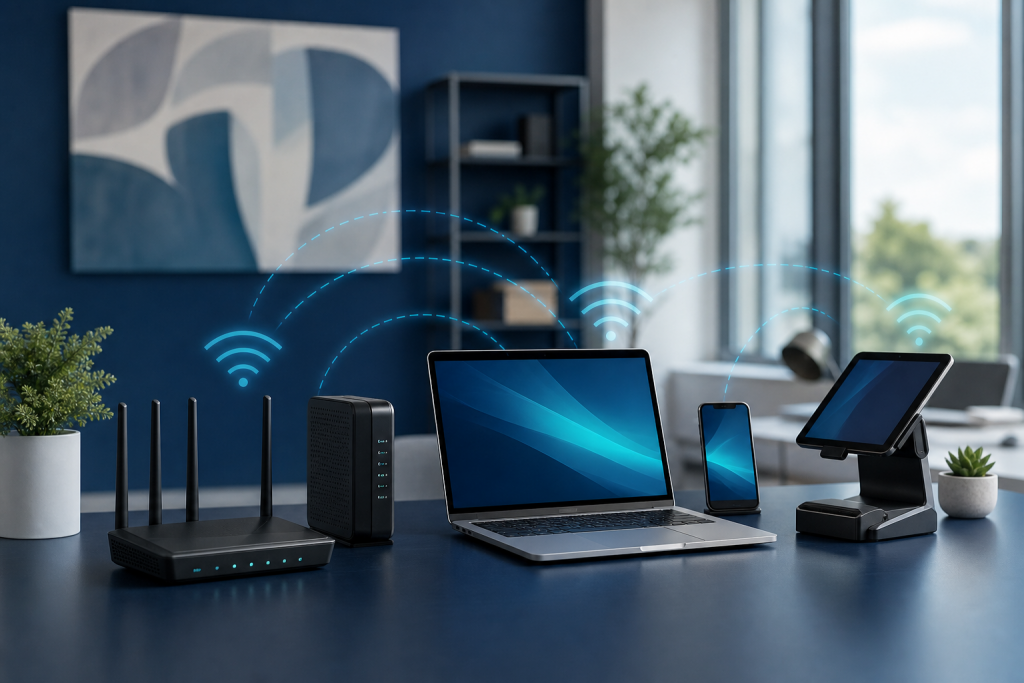
A reliable Wi-Fi router for small business is more than a convenience. It supports payment devices, online scheduling, contact forms, customer messages, cloud documents, video calls, and the simple automation systems that help a business follow up faster.
If your internet connection drops, slows down, or struggles in different parts of the building, the problem may not be your website, CRM, or automation workflow. It may be the network equipment your business depends on every day.
Affiliate disclosure: As an Amazon Associate, AI Integrated Solution may earn from qualifying purchases. Some product links in this article may be affiliate links. If you buy through those links, we may earn a commission at no extra cost to you. Recommendations should still be based on your business needs, equipment, internet plan, building layout, and budget.
Why a business Wi-Fi router matters
Many small businesses start with the basic router provided by their internet company. That may work for a home office or very light use, but it can become a weak point as the business adds more devices and relies more heavily on online tools.
A stronger router can help with better coverage, more stable connections, separate guest Wi-Fi, stronger security options, and smoother performance when multiple devices are online at the same time.
Signs your small business may need a better router
- Wi-Fi drops during payments, video calls, or customer check-ins.
- Some areas of the office, shop, or studio have weak signal.
- Staff, customer devices, printers, tablets, and phones are all competing for the same network.
- You do not have a separate guest Wi-Fi network.
- Your router needs frequent restarts.
- Cloud tools, Google Sheets, email, or browser-based apps feel unreliable even when your internet plan should be fast enough.
What to look for in a Wi-Fi router for small business
1. Enough coverage for your space
Coverage matters more than raw speed if your business has dead zones. A small office may only need one strong router. A larger shop, salon, warehouse, or multi-room office may need a mesh system or access points.
2. Support for many devices
Count more than laptops. Include phones, tablets, payment terminals, printers, cameras, smart displays, staff devices, and customer guest devices. A router that works fine for five devices may struggle when twenty or thirty are connected.
3. Guest network options
Guest Wi-Fi helps keep customer traffic separate from business devices. That separation is important if your business uses computers, payment tools, client records, or internal automations on the main network.
4. Security and update support
Look for current security standards, firmware updates, strong admin controls, and the ability to change default passwords. A router is part of your business security, not just an internet box.
5. Ethernet ports for important equipment
Wi-Fi is convenient, but wired connections are often better for key equipment like desktop computers, network printers, point-of-sale devices, and small business servers. A router or switch with enough Ethernet ports can make your setup more stable.
If you want to compare options, you can research Wi-Fi routers for small business on Amazon. Look for coverage, device capacity, security features, guest network support, and whether a single router or mesh system fits your space better.
Router vs. mesh Wi-Fi system
A traditional router can work well for a compact office or home-based business. A mesh Wi-Fi system may be better when your business has multiple rooms, thick walls, a storefront plus back office, or coverage issues in certain areas.
- Choose a standard router if your space is small and centrally located Wi-Fi works well.
- Choose mesh Wi-Fi if you need better coverage across multiple rooms or floors.
- Choose business access points if your setup is more advanced or you need stronger separation between staff, guest, and device networks.
How better Wi-Fi supports automation
Automation depends on reliable connections. If your contact form sends lead details to a Google Sheet, your follow-up email system needs internet access. If your team uses cloud documents, appointment tools, or payment systems, Wi-Fi stability affects the whole workflow.
For example, a business using a contact form connected to an organized lead list needs the website, notifications, and internal tools to stay dependable. Better network equipment does not replace good automation, but it helps the automation run smoothly.
Simple Wi-Fi setup checklist
- Place the router in a central, open location when possible.
- Create a separate guest Wi-Fi network for customers and visitors.
- Change the default admin password.
- Use strong Wi-Fi passwords and current security settings.
- Wire critical devices by Ethernet when practical.
- Keep router firmware updated.
- Put your modem, router, and key network devices on a UPS battery backup if short outages would interrupt your work.
Final thought
A good Wi-Fi router will not fix every business problem, but it can remove one of the most frustrating sources of downtime. If your business depends on online forms, cloud tools, payment devices, email, and follow-up automations, your network should be treated like part of the business system.
Need help building a more reliable lead capture or follow-up workflow? Contact AI Integrated Solution to plan a practical automation setup for your small business.