
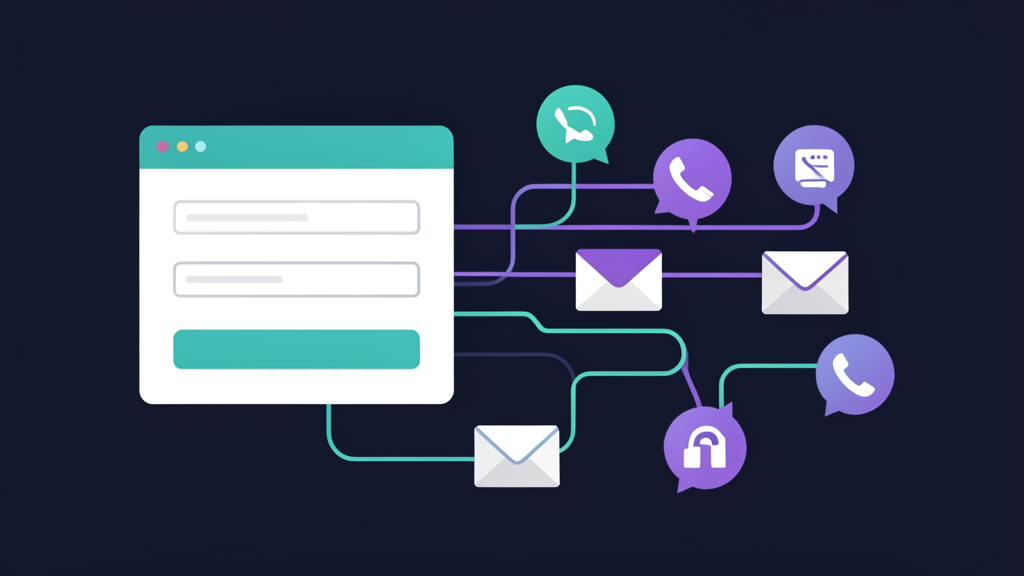
A new lead is more than a notification. It is the start of a process.
When someone fills out a form, calls after hours, sends an email, or asks for a quote, the business has a short window to respond clearly. The lead may be comparing options. They may be ready to buy. They may simply need to know that someone received their request.
For many small businesses, the problem is not that leads never arrive. The problem is that the next steps are inconsistent. One lead gets a fast response. Another sits in an inbox. Another gets written down but never followed up. Another is answered, but no one updates the status.
This article explains a simple lead follow-up system that can work before a business invests in a complicated CRM.
Step 1: Capture the lead in one place
The first thing that should happen is simple: the lead should be saved somewhere reliable.
Email alone is not always enough. Inboxes get crowded. Messages get buried. Team members leave things unread. A lead record gives the business a more dependable way to track what happened.
A practical lead record should include:
- Name
- Phone number
- Business name, if relevant
- Message or request
- Lead source
- Date received
- Status
- Notes
- Next follow-up date
This can live in a CRM, but it can also start in Google Sheets. The best tool is the one the business will actually use.
Step 2: Send a confirmation to the customer
After the lead is captured, the customer should receive a clear confirmation. This does not have to be complicated or overly automated. It just needs to reassure the person that the request was received.
A confirmation message can include:
- Thank you for reaching out.
- We received your request.
- Here is what happens next.
- Here is how to contact us if something is urgent.
This helps the business look responsive even before a personal reply is sent.
Example:
“Thanks for contacting AI Integrated Solution. We received your automation request and will review the details. If you need to add anything, reply to this message and we will include it with your inquiry.”
Step 3: Alert the right person inside the business
A customer confirmation is helpful, but the business also needs an internal alert. The right person should know that a new lead arrived and what action is needed.
A useful internal alert should be easy to scan. It should not force the owner to open multiple tools just to understand the request.
Include the most important details:
- Lead name
- Contact information
- Service requested
- Message summary
- Source
- Link to the lead record
If AI is used, it can help summarize long messages into plain-English next steps. But the summary should support the human decision, not replace it.
Step 4: Assign a status immediately
Every new inquiry should have a starting status. The simplest starting status is “New.”
From there, the status can change as the lead moves through the process:
- New
- Contacted
- Waiting on customer
- Estimate sent
- Appointment scheduled
- Won
- Lost
- No response
Status keeps leads from becoming vague. Instead of wondering “Did anyone handle this?” the business can look at the tracker and see what stage the lead is in.
Step 5: Decide the first personal response
Automation can confirm and alert, but most service businesses still need a human response. The first personal response should answer the customer’s actual request and move the conversation forward.
That might mean asking one clarifying question, scheduling a call, sending a quote request form, or explaining the next step.
A strong first response is specific. Instead of saying “Let us know what you need,” say “Based on your message, it sounds like you want help capturing website leads and organizing follow-up. The next step would be a short consultation so we can map the current process.”
Step 6: Set a follow-up reminder
Many leads are not lost on the first message. They are lost after the first message because no one follows up.
A simple reminder can prevent that. If a lead was contacted but has not replied, the system can remind the owner to follow up in two or three days. If an estimate was sent, the reminder might be set for a week later.
The reminder does not have to be fancy. It can be a date column in a Google Sheet, a calendar reminder, a task, or an automated email to the owner.
Step 7: Keep notes in the same place
Follow-up becomes difficult when the details are scattered across text messages, notebooks, emails, and memory. Notes should be kept with the lead record whenever possible.
Good notes are short but useful:
- Customer wants weekday morning appointment.
- Asked about monthly support.
- Needs estimate before Friday.
- Prefers email, not phone.
- Already uses Google Sheets and Gmail.
These notes help the next response feel more professional and less repetitive.
Step 8: Review old leads regularly
A lead system should not only handle new inquiries. It should also help the business look back.
Once a week, review leads with statuses like “New,” “Contacted,” “Waiting on customer,” or “Estimate sent.” This habit can uncover opportunities that would otherwise be forgotten.
A simple weekly review can answer:
- Which leads still need a reply?
- Which estimates need follow-up?
- Which leads went cold?
- Which lead sources are working?
- Which messages keep repeating?
That information can guide better sales, service, and automation decisions.
Example simple workflow
Here is what a basic small-business lead follow-up workflow might look like:
- Someone submits the contact form.
- The details are saved to a Google Sheet.
- The customer gets a confirmation email.
- The business owner gets an internal alert.
- The lead starts with status “New.”
- The owner replies personally.
- The status is updated to “Contacted.”
- A follow-up reminder is created if there is no response.
This workflow is not complicated, but it is powerful because it creates consistency.
Where AI can help
AI can be useful after the basics are working. For example, AI can summarize long inquiry messages, identify the likely service category, suggest a next step, or draft a reply for review.
But AI should not be the first thing added if the business has no lead tracker, no status system, and no follow-up habit. The best results come when AI supports a clear process.
How AI Integrated Solution can help
AI Integrated Solution helps small businesses build simple lead systems that capture inquiries, organize details, alert the right person, and support faster follow-up.
We focus on practical tools like website forms, Google Sheets, Gmail, and automation workflows. When AI adds value, we use it carefully. When a simple rule is better, we keep it simple.
Request an automation consultation if you want help building a lead follow-up system that fits the way your business already works.